
The Review Score measures the overall health of your business's online reputation by evaluating key review metrics. A higher score indicates a stronger review presence and highlights opportunities to improve your online reputation.
How to Use the Review Score
From the Consumer Fusion dashboard, navigate to the Reputation tab and select Summary.
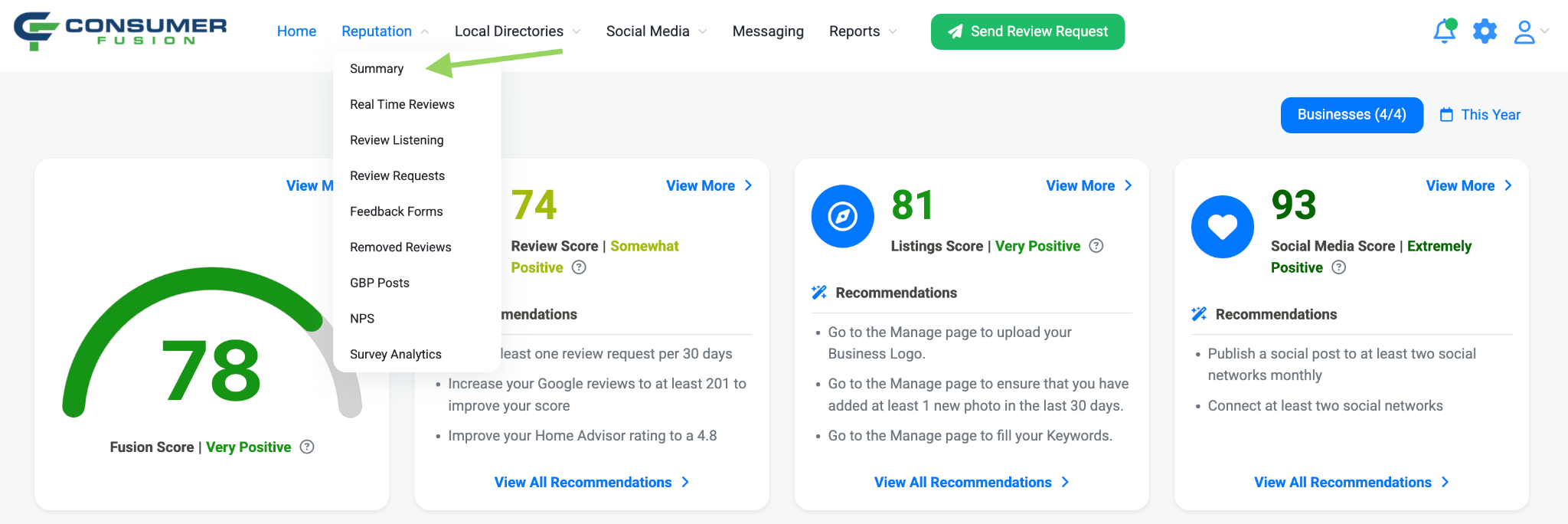
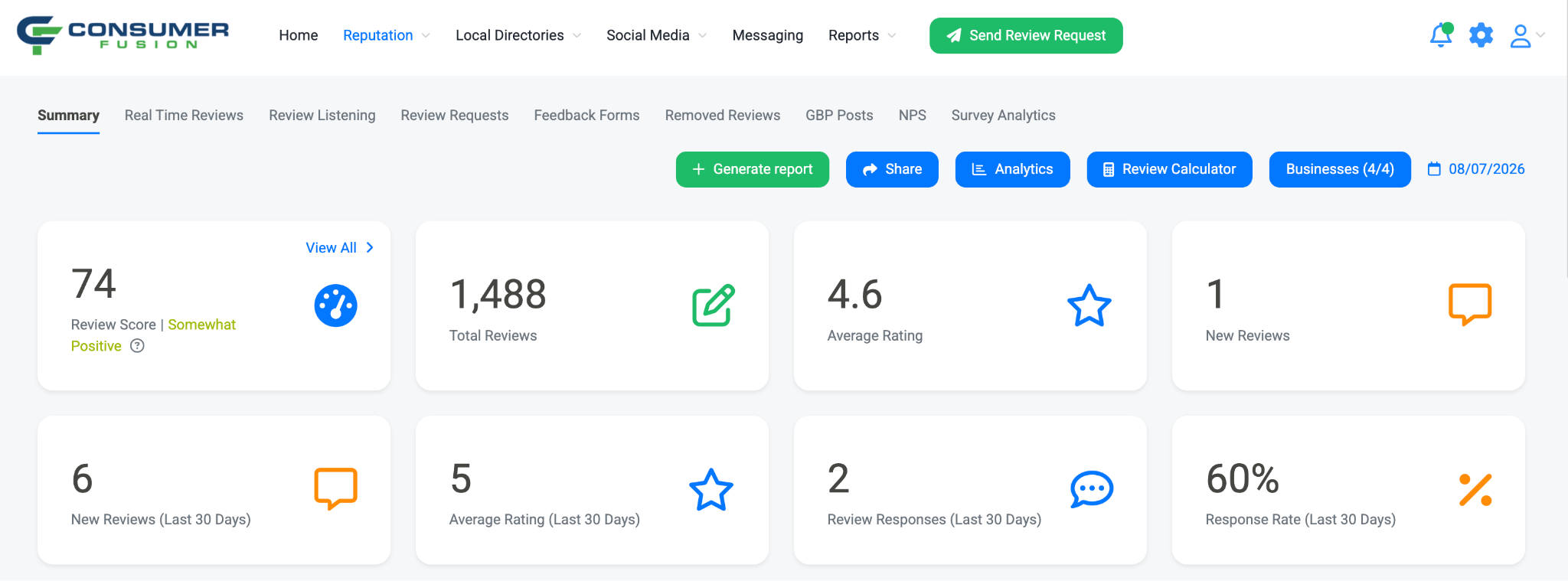
On the Summary page, you'll see your Review Score listed as the first metric. Click View All to see more details and recommendations for improving the Review Score across your businesses.
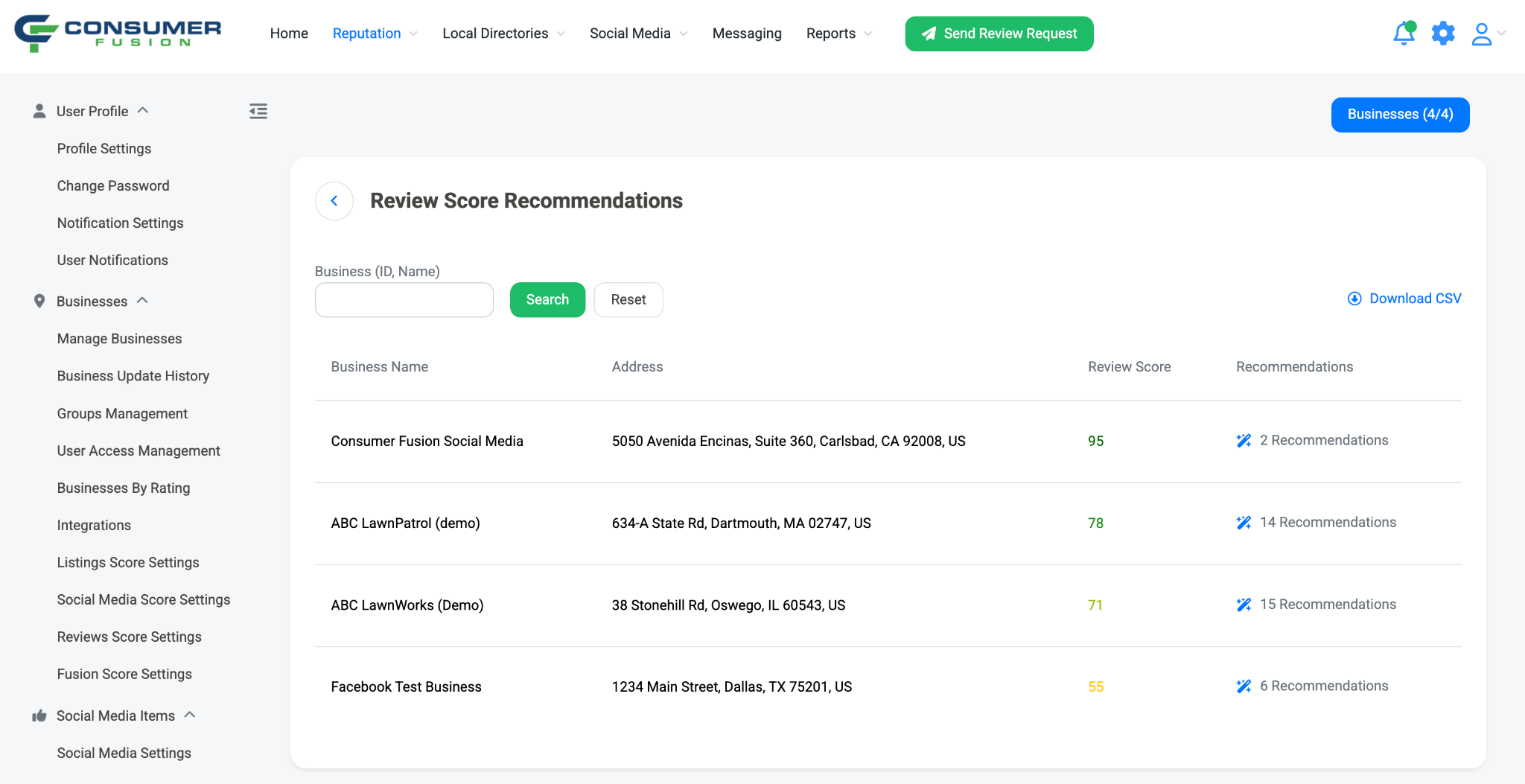
Clicking View All will take you to the Review Score Recommendations page. Here, you can view the Review Score for each business you have access to, along with the number of recommendations available to help improve each business's score.
Click Recommendations to open a side panel that lists the recommended actions you can take to improve your Review Score. These recommendations are based on factors that impact your online reputation, helping you identify areas where your businesses can improve.
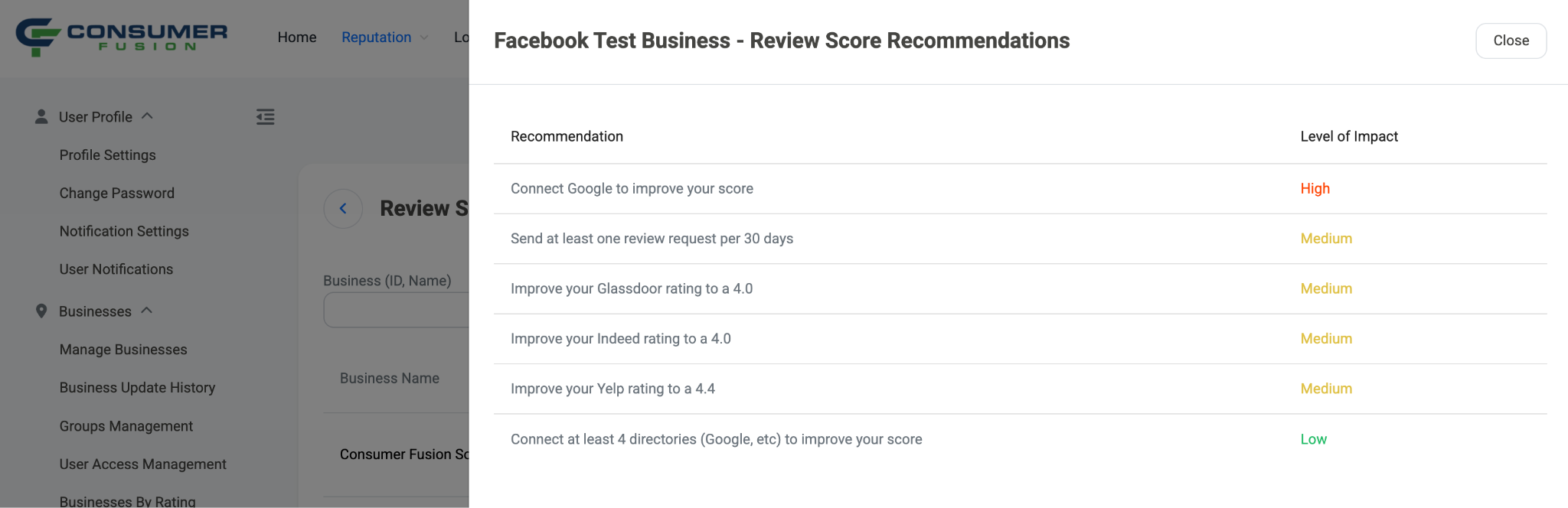
By completing these recommendations, you can improve your Review Score while building a stronger online reputation. Consistently generating new reviews, responding to customer feedback, and maintaining a high overall rating will help increase your score over time.
Reviews Score Factors
Review count
Star rating
Number of review sources
Amount of new reviews in the last 30 days
Review response percentage in the last 30 days
Review request volume in the last 30 days
Directory-specific factors (review count, etc) are measured on all connected directories, each directory has a different level of impact on the score. Google is weighted the highest for each of these