
The Listings Score provides you with a simple metric to evaluate how complete your business listings are. The more complete your listing details are, the higher your score will be.
How to Use the Listings Score
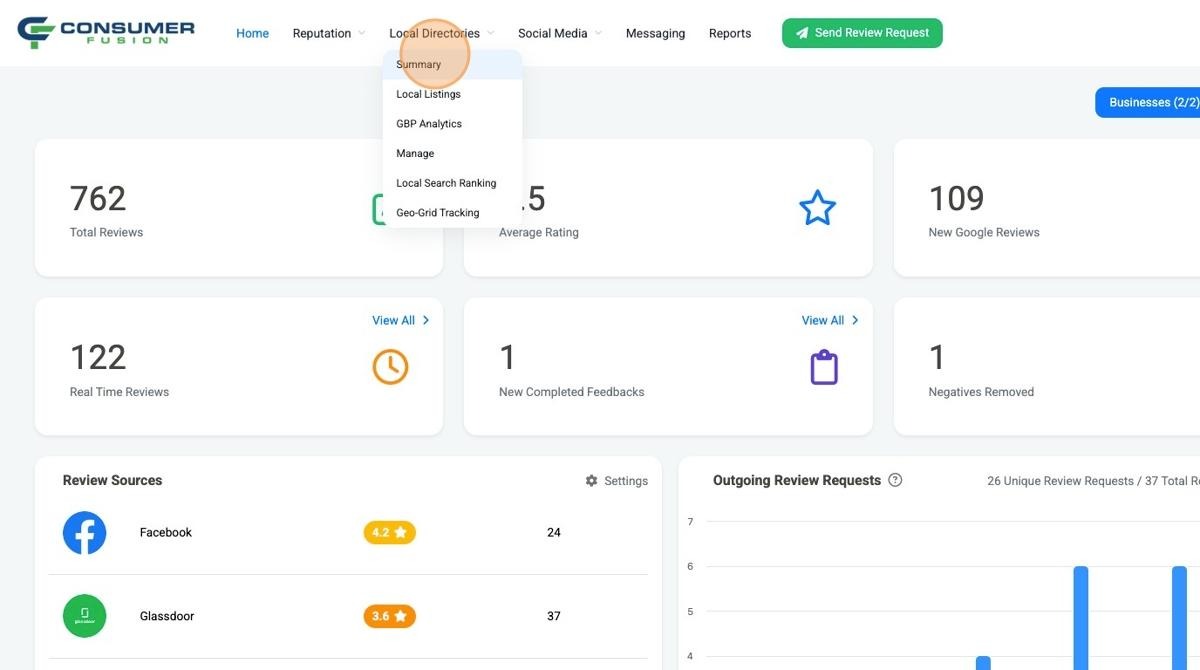
From the Consumer Fusion dashboard, look for the Local Directories tab at the top of the page and click on the "Summary" option.
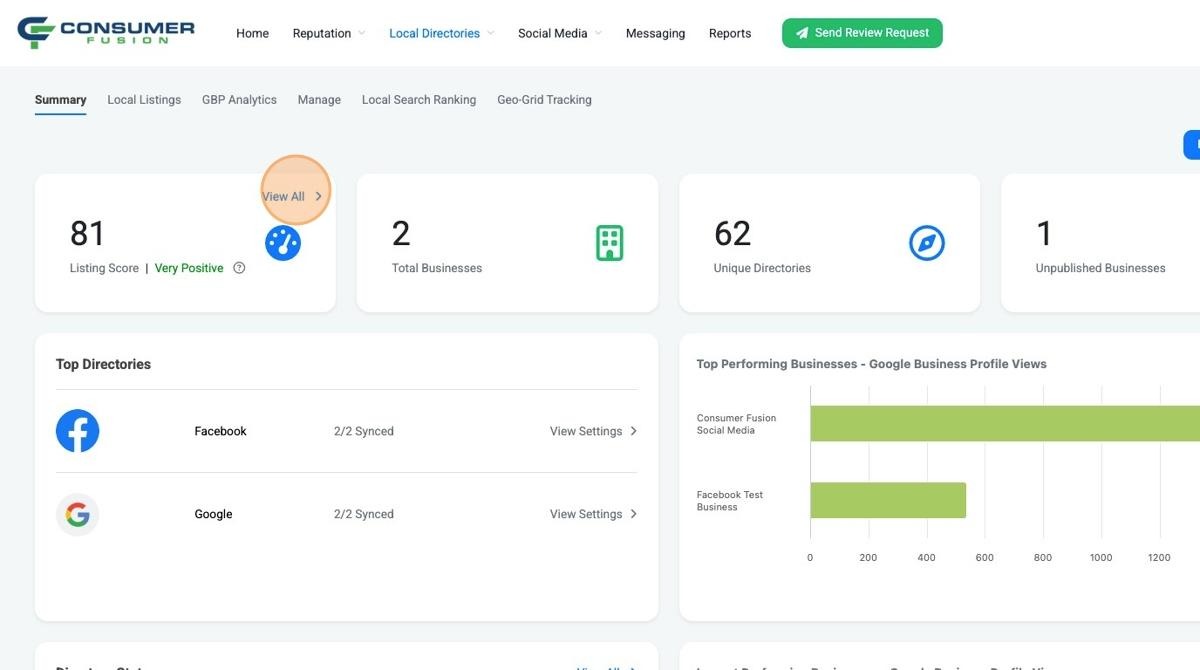
From this page, you will see your listings score as the first metric displayed on the page. To see more information, click on the View All option.
Note: The Listings Score must be enabled in your account for it to appear. If you do not see it, please reach out to our team for assistance.
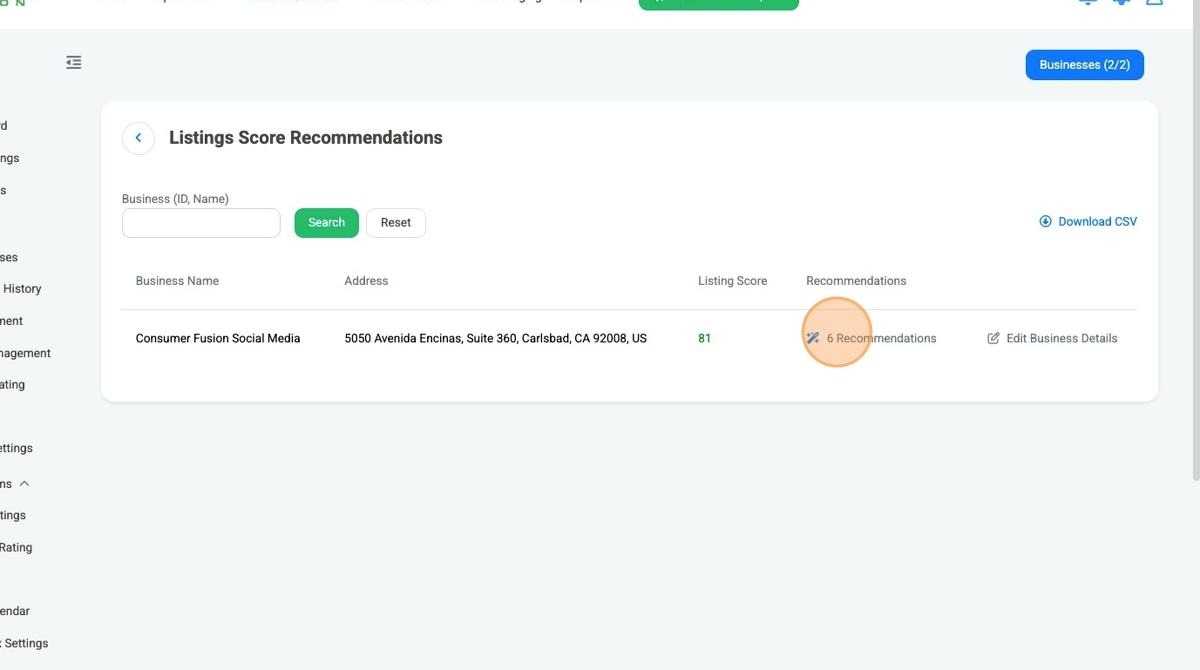
This will show you a page with the listings score for each of the businesses that you manage, along with the number of recommendations that are suggested to improve the score. Click on the recommendations to see more details.
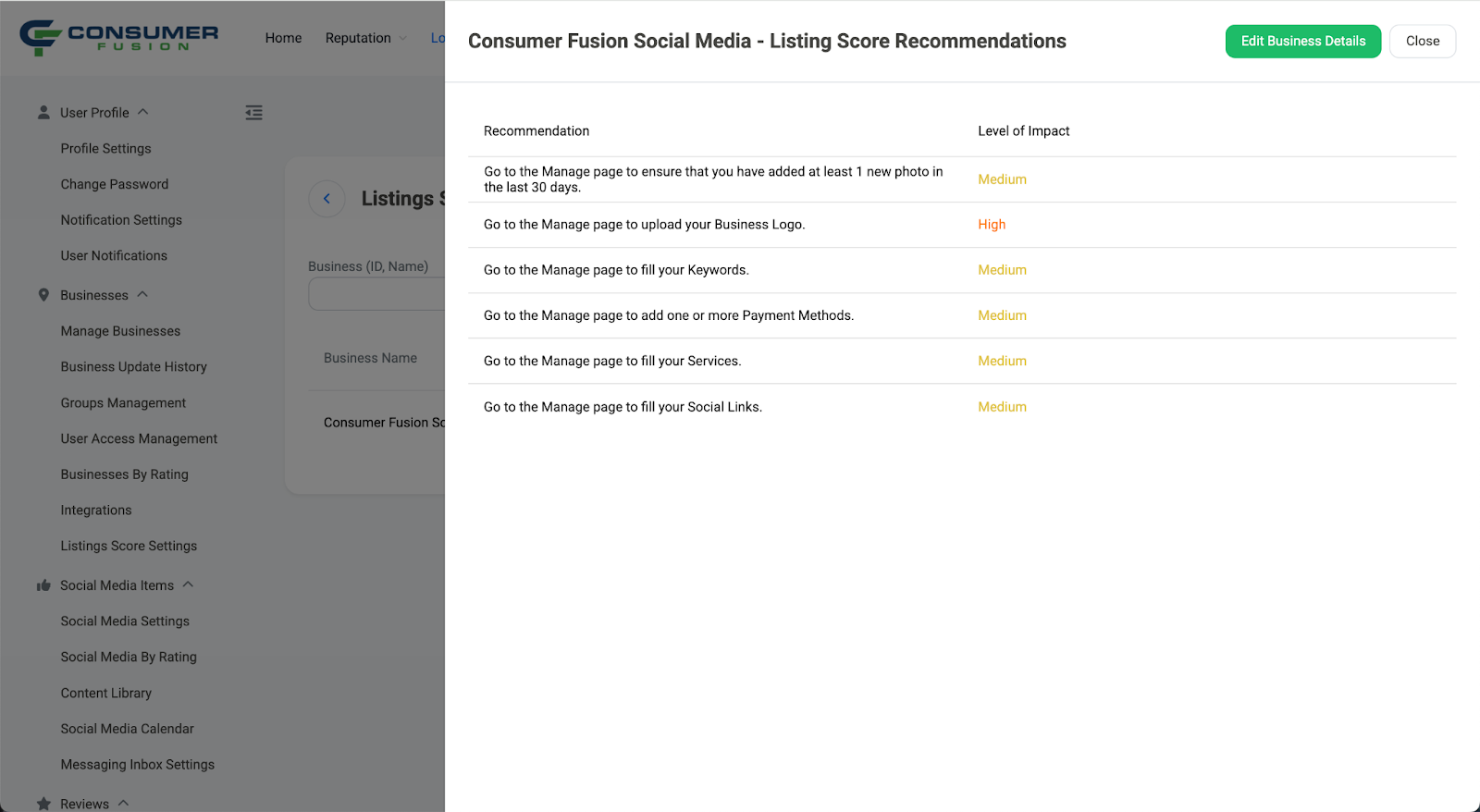
This will show you the list of recommended actions to take in order to improve your Listings Score, as well as the level of impact for each recommendation.
Listings Score Factors
Google connection to the dashboard
Listings data has been synced to Google
Listings data has been synced to the Directory Network
Business Details are thoroughly filled out in the dashboard, in order to be synced to public business listings. Each field on the Business Details form is counted as a factor, with those of highest importance like Primary Category having a higher level of impact
Number of photos
Number of new photos published in the last 30 days